# Profil
`Rolle Ausrichter` [**`Rolle Ligaleiter`**](https://docs.bsapp.de/books/ligaleiter "Ligaleiter") `Rolle Administrator` `Rolle Sportleiter`
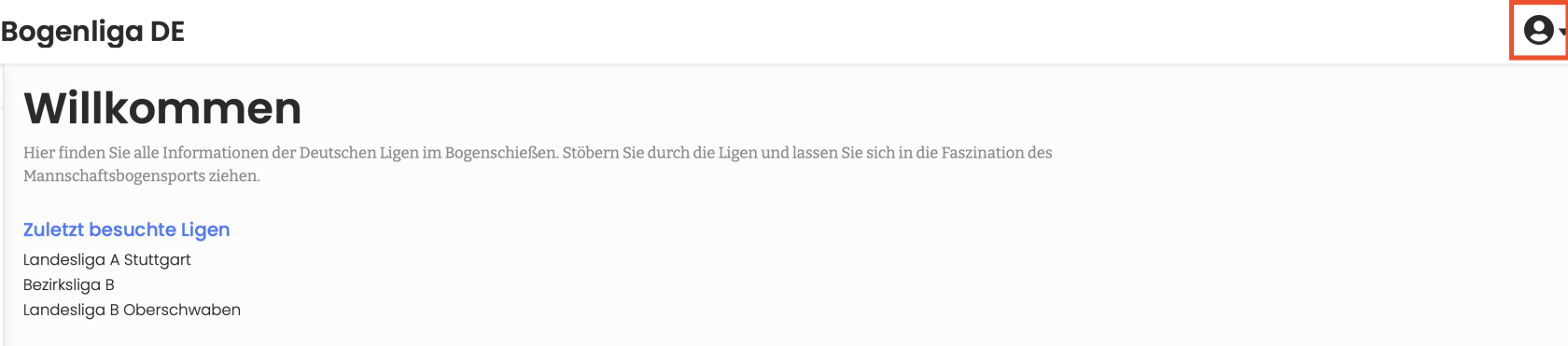
In deinem Profil, findest du Informationen zu deinem Profil. Auf diese Seite kommst du wenn du angemeldet bist und auf der Start-Seite in der oberen rechten Ecke auf das Profil-Icon klickst.
[](https://docs.bsapp.de/uploads/images/gallery/2026-06/yn5cS7YlCMbf1jPs-image.png)
Bild 1: Profil
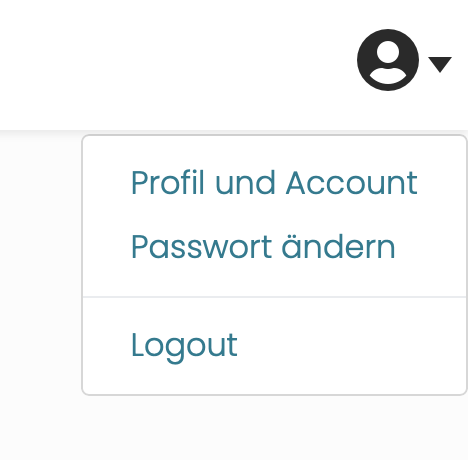
Klicke auf das Profil-Icon um mehr Optionen zu sehen.
[](https://docs.bsapp.de/uploads/images/gallery/2026-06/DwmJiAkrq6FYKKOJ-image.png)
Bild 2: Profil Optionen
Um mehr Informationen über dein Profil zu sehen klicke auf "Profil und Account".
Mit "Passwort ändern" kannst du dein Passwort ändern.
[](https://docs.bsapp.de/uploads/images/gallery/2026-06/jMufscS9GBlStwPj-image.png)
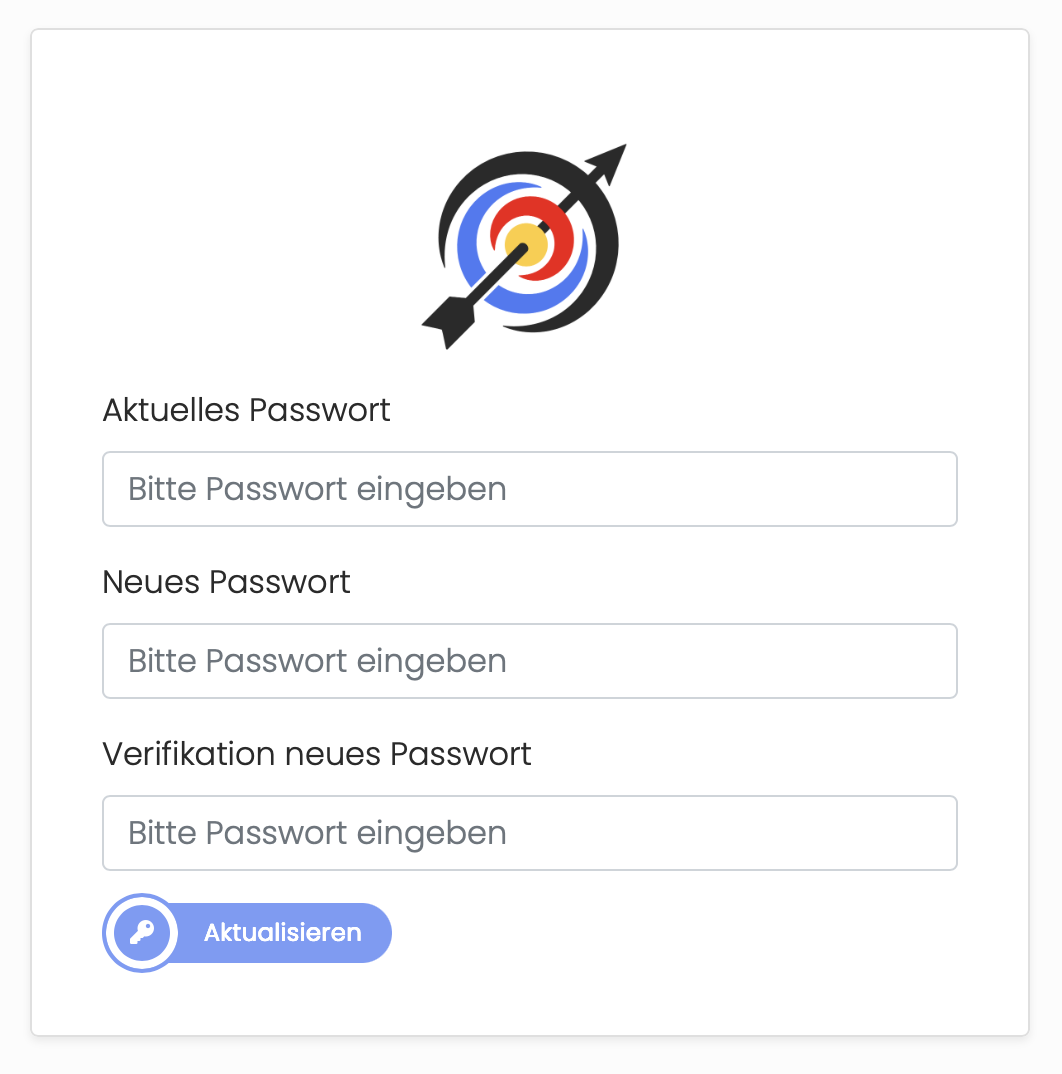
Bild 3: Passwort ändern
Wenn du dein Passwort ändern willst, benötigst du dein aktuelles Passwort, dieses gibst du unter "Aktuelles Passwort" ein.
Danach gibst du das neue Passwort unter "Neues Passwort" und "Verifikation neues Passwort", dies Anforderungen an ein neues Passwort findest du [hier](https://docs.bsapp.de/books/funktionen-der-app/page/neuen-benutzer-anlegen "Neuen Benutzer anlegen"). Bestätige die Änderung mit dem Aktualisieren-Button.
[](https://docs.bsapp.de/uploads/images/gallery/2026-06/YJRAu0tI7SQKJ6Ev-image.png)
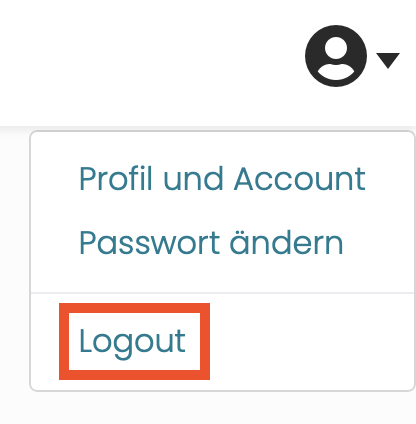
Bild 3: Logout
Um dich abzumelden klicke auf Logout.